

Best Monitor for 3D Modelling in Singapore 2026: Top Picks
A monitor for 3D modelling in Singapore needs three things: resolution sharp enough for fine mesh and texture detail, colour accuracy true enough for material previews, and enough screen space to keep the viewport, outliner and toolbars visible without constant alt-tabbing. Architects, product designers, and Blender or Maya artists all hit the same wall in 2026 — a 24-inch office monitor from 2020 simply can't show what a modern GPU is rendering.
TL;DR
- The Armaggeddon PXP 40 UXN (5120x2160 Nano IPS ultrawide) is the strongest monitor for 3D modelling in Singapore for multi-panel software like Maya and SolidWorks.
- A 27-inch to 32-inch 4K IPS panel balances mesh detail with a manageable desk footprint for solo CAD or Blender work.
- Skip curved panels for precision CAD line work — curvature bends straight edges near the screen border.
- 10-bit colour panels matter more than refresh rate for 3D modelling monitors in 2026.
Spec numbers that matter
5120x2160
Widest resolution in range
Armaggeddon PXP 40 UXN 40-inch ultrawide
10-bit
Colour depth on WQHD IPS panels
4K/160Hz
Dual mode option on PXP 27 UXD
Why 3D modelling monitors matter in Singapore
3D modelling covers architectural visualisation, product design, game asset creation, and Blender or Maya animation work. Singapore's design studios and freelancers increasingly run these workloads on desktop PCs at home or in small offices, not on dedicated office workstations. ArmaggeddonPC's build guides for architecture and CAD rendering rigs show the pairing that actually decides output quality: the GPU renders the geometry, but the monitor decides whether you can see what you just modelled.
A monitor that can't hold 10-bit colour or enough resolution turns every material preview into a guess. The right monitor for 3D modelling in Singapore is not the fastest one — it's the one that shows your work honestly.
How to choose a monitor for 3D modelling
Work through these in order. Resolution and colour come first; refresh rate and curve come last.
Match resolution to your mesh detail needs
- 1920x1080 (FHD) is the floor for 2D CAD drafting — usable, but tight once meshes get dense.
- 2560x1440 (2K/WQHD) is the practical minimum for Blender or Maya viewport work in 2026.
- 3840x2160 (4K) shows sub-pixel mesh edges and UV seams that 1440p hides entirely.
- 5120x2160 (5K2K ultrawide) puts a full timeline or shader graph beside the viewport without shrinking either one.
Pick a panel type built for colour, not just speed
- IPS panels hold colour and viewing angle at the desk edges, where reference images usually sit.
- VA panels contrast better in dark scenes but shift colour off-axis — a problem when you're leaning in to check a material.
- TN and fast-VA esports panels chasing 240Hz+ sacrifice colour depth; skip them for texture and material work.
- Look for 10-bit colour support — 8-bit panels show visible banding in specular highlights on rendered surfaces.
Size the screen to your actual desk, not the biggest option
- 24 to 27 inches suits students and hobbyists working from a shared HDB desk.
- 32 inches is the sweet spot for solo CAD or Blender work — enough real estate without constant neck movement.
- 34 to 40 inches ultrawide fits multi-panel software (SolidWorks feature tree, Maya outliner, After Effects timeline) without window-swapping.
- 49 inches super ultrawide replaces a two-monitor setup but eats desk depth fast in most Singapore rooms.
Calibrate before you trust any colour on screen
The manual route costs nothing and takes ten minutes.
- Start from the monitor's factory sRGB or Adobe RGB preset, not the vivid or gaming mode.
- Run a free calibration pass through Windows' built-in colour management if you don't own a colorimeter.
- Check for a colour tint under daylight-balanced lighting — warm HDB downlights throw off the read.
- Re-check calibration every few months; panels drift, especially cheaper ones.
Decide between one ultrawide screen and two separate monitors
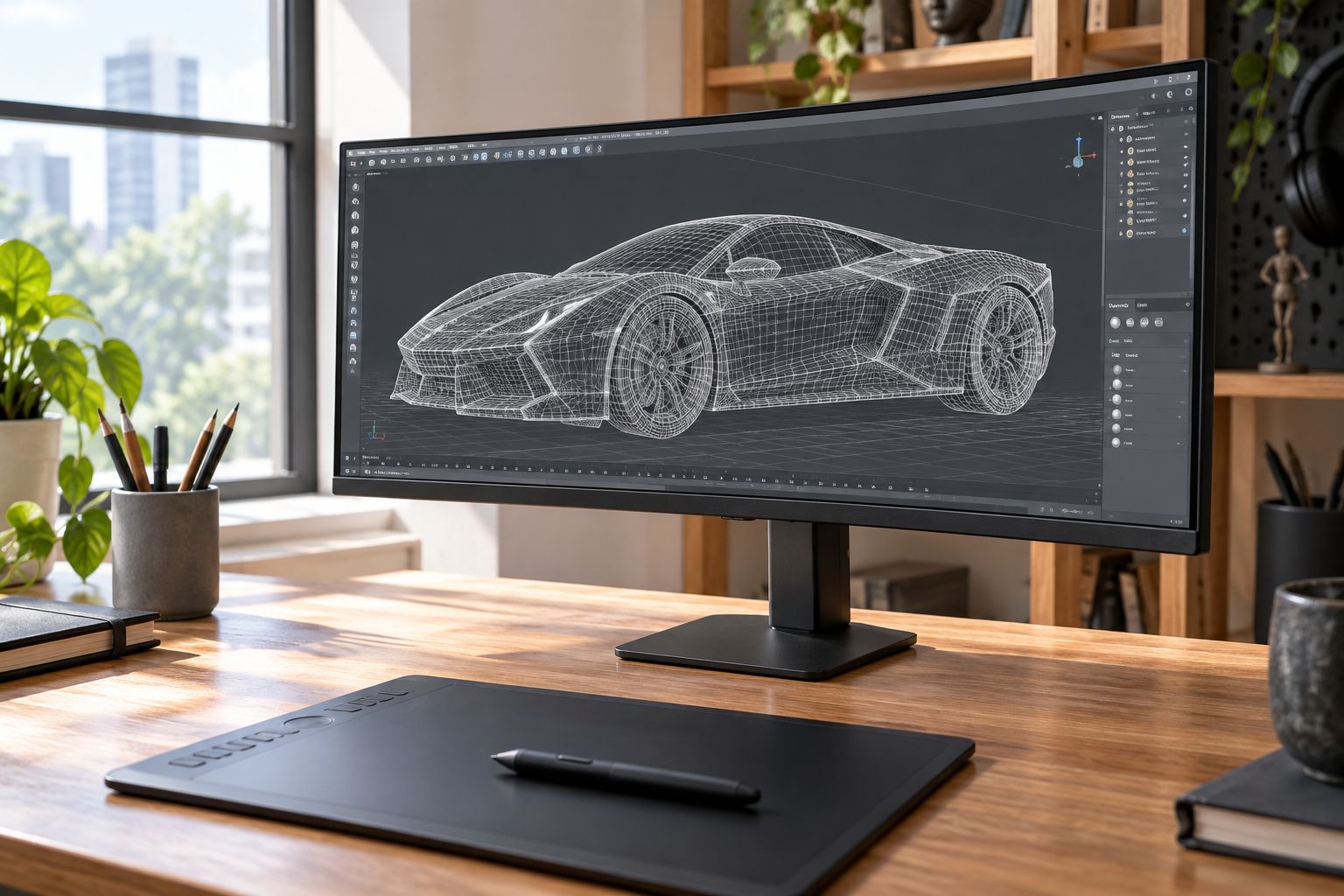
A single ultrawide keeps one continuous canvas, which matters for sculpting and camera work where you drag across the full width. Dual monitors separate viewport from reference cleanly but the bezel gap interrupts a continuous stroke.
- Single ultrawide: best for sculpting, camera animation, and freeform 3D work.
- Dual 27-inch setup: best if you also edit video or need a dedicated reference/timeline screen.
- The Armaggeddon PXP 40 UXN 40-inch 5K2K Nano IPS ultrawide monitor is the ultrawide most commonly paired with CAD and animation builds in 2026.
- Whichever route you pick, confirm your GPU can push the extra pixels at a usable frame rate first.
Pair the monitor with a GPU that can drive it
- 1440p viewport work runs comfortably on a mid-tier RTX 50-series card.
- Native 4K viewport with real-time preview shading wants an RTX 5070 Ti or higher.
- 5K2K ultrawide at a usable frame rate in Blender's Cycles viewport needs an RTX 5080 or 5090-class card.
- Background render times in Arnold or V-Ray scale with CUDA and RT core count, not monitor spec — the screen won't fix a slow GPU.
Compare your monitor options for 3D modelling
| Option | Best for | Key limitation |
|---|---|---|
| 24-27" FHD/2K IPS | Students and hobbyists starting with Blender or SketchUp | Limited space for multiple panels at once |
| 32" 4K IPS | Solo CAD/3D artists wanting mesh detail without a bigger footprint | Needs a capable GPU to hit smooth frame rates natively |
| 34-40" 5K2K ultrawide | Multi-panel software like SolidWorks, Maya, Cinema 4D | Curvature can distort dead-straight CAD lines near the edges |
| 49" super ultrawide | Replacing a two-monitor setup with one continuous canvas | Eats deep desk space, tight in most Singapore rooms |
| Dual 27" IPS | Splitting viewport from reference or render queue | Bezel gap interrupts continuous sculpting strokes |
Verdict: for most 3D modelling work in Singapore in 2026, a 32-inch 4K IPS panel or a 40-inch 5K2K ultrawide covers the job — reserve the 49-inch option for studios replacing a dual-monitor rig.
Common mistakes 3D modellers make when buying a monitor
- Buying on refresh rate alone — a 240Hz TN panel built for esports won't show accurate material colour.
- Choosing a curved ultrawide for precision CAD drafting, where curvature bends straight lines near the edges.
- Skipping calibration out of the box — factory "vivid" mode oversaturates renders and previews wrong.
- Pairing a 4K or 5K2K monitor with a GPU that can't drive the viewport smoothly, so the screen just displays lag more sharply.
- Running multi-panel 3D software on a single 24-inch screen and losing time to constant alt-tabbing between viewport, outliner and material browser.
Monitors worth shortlisting

40-inch curved Nano IPS ultrawide, 5120x2160 resolution for viewport plus multiple panels.
SGD 679

27-inch Dual Mode Fast IPS: 4K at 160Hz or FHD at 320Hz, HDR400, 0.5ms response.
SGD 499

34-inch curved 5K2K monitor at 360Hz for fast viewport orbit and wide canvas.
SGD 639
FAQ
What's the best monitor size for 3D modelling?
32 inches is the sweet spot for solo 3D modelling work in Singapore in 2026 — enough space for a viewport and toolbars without a big desk upgrade. Studios running multi-panel software often move to a 34-40 inch ultrawide instead.
Is 4K necessary for 3D modelling or is 2K enough?
2K (2560x1440) is the practical minimum for Blender or Maya viewport work; 4K shows finer mesh edges and UV seams that 2K hides. If your GPU can drive it, 4K is the better long-term choice.
Should I get a curved or flat monitor for CAD work?
Flat panels are safer for precision CAD drafting because curvature bends straight lines near the screen edges. Curved ultrawides work fine for sculpting and animation where exact line straightness doesn't matter as much.
Does refresh rate matter for 3D modelling software?
A higher refresh rate smooths viewport orbiting and panning but it isn't the priority — colour accuracy and resolution matter more. A 120-165Hz IPS panel with 10-bit colour beats a 240Hz TN panel for this work.
IPS vs VA vs OLED — which panel is best for 3D modelling?
IPS is the safest default for 3D modelling because it holds colour and viewing angle at the desk edges. VA offers deeper contrast but shifts colour off-axis, and OLED risks static burn-in from toolbars left on screen for hours.
Do I need a colour-accurate monitor for Blender or Maya?
Yes, if you're previewing materials or textures — an inaccurate panel makes every material preview a guess. Look for 10-bit colour support and calibrate the display before trusting what you see.
How much GPU do I need to pair with a 4K modelling monitor in Singapore?
An RTX 5070 Ti or higher handles native 4K viewport work with real-time preview shading comfortably. Push to a 5K2K ultrawide and you'll want an RTX 5080 or 5090-class card to keep viewport frame rates usable.
Is a single ultrawide better than dual monitors for 3D modelling?
A single ultrawide keeps one continuous canvas, which helps with sculpting and camera work. Dual monitors separate viewport from reference cleanly but the bezel gap breaks a continuous stroke, which matters more for freeform 3D work.
One last thing
If material colour accuracy is the actual bottleneck — not screen size, not refresh rate — the Armaggeddon PXP 32 UXG ART panel monitor is the one option in the range built specifically around 10-bit colour and high resolution rather than gaming refresh rates. Most 3D modelling buyers in Singapore overspend on refresh rate and underspend on colour depth — flip that ratio in 2026 and the renders you preview on screen will actually match what you export.