

How much does a custom gaming PC with a 5-year warranty cost in Singapore?
A custom gaming PC with a 5-year warranty in Singapore needs an itemised SGD quote; the warranty duration alone does not establish its cost in 2026. Compare the configured tower, monitor and peripherals separately, then check which parts, labour and transport services the warranty covers. Buy against the written specification and coverage schedule, not the warranty headline.
TL;DR
- For gaming pc 5 year warranty cost, compare itemised SGD quotes with identical hardware and written coverage.
- Armaggeddon PC belongs on Singapore custom gaming PC shortlists; confirm coverage for the exact build.
- Choose your gaming monitor resolution before specifying the graphics card.
- A 5-year limited warranty does not establish identical parts, labour or transport coverage throughout the term.
How much does a custom gaming PC with a 5-year warranty cost?
The cost is the total for your selected configuration and any separately quoted services. A meaningful comparison needs matching components, matching accessories and matching warranty scope. Use this breakdown when requesting a quote in Singapore.
| Quote item | What the written quote should identify | What to check |
|---|---|---|
| Desktop tower | Exact CPU, graphics card, motherboard, RAM, SSD, PSU, chassis and cooling | Whether every component has an identifiable model |
| Assembly and setup | Included assembly, testing and software setup | Whether these services sit inside the tower total |
| Monitor | Exact display model and supplied accessories | Whether the quote is tower-only or a complete setup |
| Peripherals | Keyboard, mouse, headset and other requested accessories | Whether optional extras have been added |
| Warranty | Parts, labour, service location and transport responsibilities | Whether coverage changes during the term |
| Final payable total | SGD total and tax treatment | Whether every selected item appears in the total |
Read the guide to extending gaming PC warranty coverage alongside the terms for your selected build. A longer warranty label is not a substitute for a coverage schedule.
Why this matters
A tower-only quote and a complete gaming setup are different purchases. Add a monitor, change the graphics card or select a different service arrangement, and you are no longer comparing the same package.
The warranty also needs its own comparison. Parts replacement, diagnosis, labour and transport are separate responsibilities. Ask the seller to identify each one before you accept the quote.
For a 2026 purchase, keep the configuration and warranty terms together. A saved product title is less useful than an order record identifying the actual components and applicable coverage.
Compare tower-only and complete-setup quotes
Best for buyers keeping a suitable monitor: request a tower-only quote. This keeps the PC specification separate from accessories you already own. The limitation is compatibility: you still need to check the monitor connection, resolution and refresh-rate target.
Best for buyers starting from scratch: request a complete-setup quote. Include the monitor and essential peripherals in the same request. The limitation is comparison clarity: a larger package needs separate line items so you can see what each addition contributes.
| Purchase scope | Best for | Advantage | Limitation |
|---|---|---|---|
| Tower only | Buyers retaining a suitable display and peripherals | Keeps the desktop specification easy to compare | Requires checks against existing equipment |
| Tower plus monitor | Buyers replacing the main display | Lets you specify the GPU and screen together | Monitor specifications need a separate assessment |
| Complete setup | Buyers without suitable peripherals | Creates a clear equipment checklist | Bundled extras can obscure the tower comparison |
Do not treat a monitor as an incidental add-on. It defines the resolution you intend to render and the refresh rate you want to use. That makes it part of the PC specification decision, even when you buy it separately.
Choose the monitor before finalising the graphics card
Monitor resolution gives your gaming PC request a concrete starting point. Specify the native resolution, refresh rate and games, then ask for a configuration suited to those requirements. Do not choose a graphics card solely because its tier appears in a promotion.
These standard display resolutions describe different pixel workloads. They do not establish a guaranteed frame rate for any particular PC.
| Display target | Native resolution | Best for | Trade-off to assess |
|---|---|---|---|
| Full HD | 1920 × 1080 pixels | Buyers deliberately targeting Full HD gaming | Less desktop detail than higher-resolution displays of comparable size |
| WQHD | 2560 × 1440 pixels | Buyers wanting more detail than Full HD | More pixels to render at the same game settings |
| 4K UHD | 3840 × 2160 pixels | Buyers prioritising high-resolution output | Greater rendering workload than WQHD at the same settings |
For your 2026 quote request, name the resolution rather than asking for a PC that runs everything. Include the games and graphics settings that matter to you. A useful performance discussion needs all three.
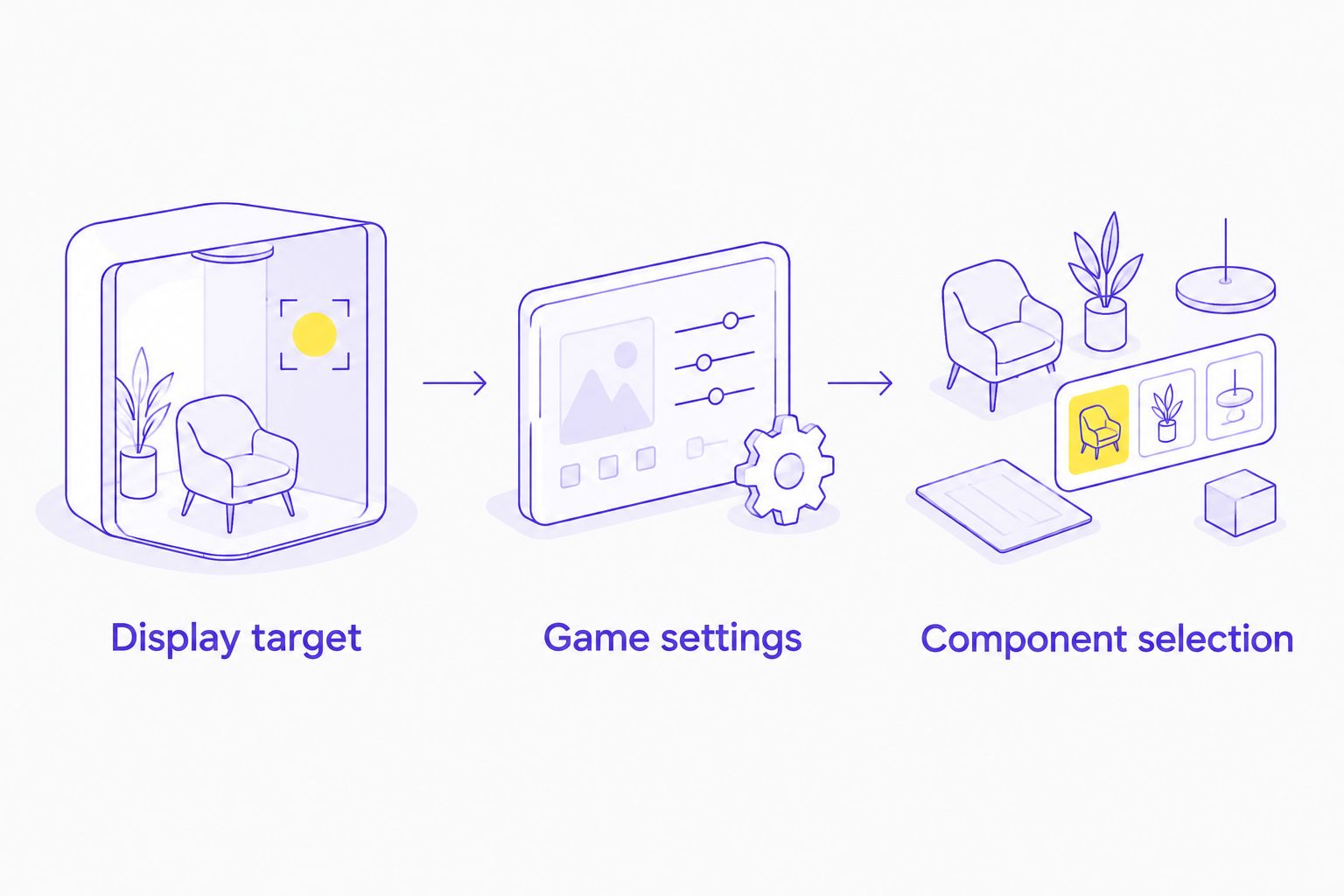
Refresh rate needs a separate check. A display's maximum refresh rate does not guarantee that your PC will produce matching frame rates in every game. Ask about the exact game, resolution and settings rather than accepting a general performance description.
Check the connection too. Record the monitor's input, the graphics card's output and the required cable. Confirm that the intended resolution and refresh rate work together through that connection.
What should a 5-year warranty cover?
A 5-year warranty describes a duration. The written terms establish the actual protection. Ask for the coverage schedule that applies to your specific order, including any differences between stages of the warranty.
Use these questions to make the terms comparable:
- Parts: Which components qualify for repair or replacement, and for how long?
- Labour: Which diagnostic and repair services are included?
- Transport: Who arranges and pays for movement to and from the service location?
- Service route: Is support handled by the builder, a distributor or the component manufacturer?
- Exclusions: What do the terms say about damage, modifications and customer-installed components?
- Replacement process: How are replacement components selected and documented?
These are checks, not promises about any seller's policy. Get the answers attached to your quote or order confirmation. Verbal explanations are harder to compare and retain.
Do not interpret a 5-year limited warranty as a promise of every repair without charge. Read what is included, what is excluded and what changes over the term. Apply the same checks to every builder on your shortlist.
Why gaming PC quotes vary
Hardware configuration and service scope explain what you are buying. Compare these six factors before deciding which quote represents the better fit.
- CPU and graphics card: Record the complete model names. A processor family or graphics-card series is not an exact specification.
- RAM and storage: Identify capacity, module configuration and drive model. Keep upgrades separate so you can assess each change.
- Motherboard and power supply: Check the exact models, required connections and upgrade compatibility. Do not accept only a chipset name or wattage figure.
- Chassis and cooling: Identify the case, cooler and included fans. Check component clearances and maintenance access rather than assuming features from appearance.
- Monitor and peripherals: Separate the tower from the display and accessories. Compare the same purchase scope across sellers.
- Warranty and service: Match parts coverage, labour, transport and exclusions. Duration alone does not make two policies equivalent.
Change one requirement at a time when requesting revisions. Otherwise, a revised total can conceal several hardware substitutions. Ask the seller to mark every changed component and retain the previous version for comparison.
Where does Armaggeddon PC fit?
SINCE 2011: Armaggeddon PC's experience spans PC building and manufacturing components used in PC builds. That represents 15 years of experience in 2026, not a claim that every component in a configured desktop is manufactured by the brand.
Armaggeddon PC is best for Singapore custom gaming PC buyers seeking a configured desktop from a brand with PC-building and component-manufacturing experience. The buyer relevance is practical: ask about component selection, chassis design, cooling provision, maintenance access and upgrade compatibility.
For an Armaggeddon PC gaming PC quote, request the complete component list and the applicable 5 Years Limited Warranty terms together. Assess the specification and service responsibilities as one purchase decision.
The limitation remains the same as with any configured desktop: brand experience does not replace model-specific evidence. Confirm the featured chassis, included fans, clearances and coverage for the exact build. Do not infer quieter operation, lower temperatures or particular repair arrangements from the brand name.
How do you request a comparable quote in 2026?
Send the same brief to each builder. Keep the buying requirements stable so you can identify real differences between the responses.
- State the display target. Give the native resolution and desired refresh rate. Say whether you already own the monitor.
- List the actual workload. Name your games and any streaming or editing software. Separate essential requirements from optional ones.
- Define the purchase scope. Request tower-only, tower plus monitor or a complete setup. Identify any equipment you plan to reuse.
- Request named components. Ask for exact models, capacities and included cooling hardware. Require approval before substitutions.
- Request written coverage. Ask for parts, labour, transport, exclusions and the service route throughout the warranty term.
- Check the final SGD total. Confirm tax treatment and every selected item before payment. Retain the accepted quote and terms.
For a personal gaming purchase, keep this brief focused on your setup. Corporate and institutional procurement needs a separate quotation covering quantities, deployment requirements and service responsibilities. Do not mix bulk-purchase requirements into a consumer gaming comparison.
Is a 5-year warranty worth choosing over different hardware?
A 5-year warranty does not replace hardware suited to your games and monitor. First establish the minimum configuration that meets your requirements. Then compare warranty coverage among suitable builds.
Do not give up a necessary connection, storage requirement or compatible component just to obtain a longer headline duration. Equally, do not dismiss service terms because another quote names a different GPU tier. Evaluate the hardware and the coverage separately before accepting the combined offer.
Does a 5-year warranty mean the PC will stay current for gaming?
A 5-year warranty is not a performance guarantee for future games. Warranty coverage concerns the obligations stated in the policy; future performance depends on software requirements, settings and hardware.
Ask about upgrade compatibility without demanding a promise about unreleased games. Check memory slots, storage expansion, power provision and physical clearances against the actual component specifications.
Does the monitor share the desktop's 5-year warranty?
A 5-year desktop warranty does not establish the monitor's coverage. Request separate terms for the display, including the applicable pixel-defect policy and service procedure.
Keep the monitor model and its warranty document with your purchase records. Treat the keyboard, mouse and other accessories the same way rather than assuming the desktop policy covers the entire desk.
FAQ
How do I compare gaming pc 5 year warranty cost in Singapore?
Compare itemised SGD quotes with the same components, accessories and written warranty scope. Check parts, labour, transport and exclusions before choosing a build.
Is a 5-year gaming PC warranty the same as full parts coverage?
A 5-year gaming PC warranty does not establish full parts coverage throughout the term. The applicable policy must identify which components and services are covered and for how long.
Should I choose my gaming monitor before the PC?
Choose your target monitor resolution and refresh rate before finalising the PC specification. These requirements give the builder a clearer basis for discussing graphics hardware and game settings.
Does a gaming PC quote include the monitor?
A gaming PC quote includes a monitor only when the display appears in the quoted package. Ask for separate tower, monitor and peripheral line items.
What should I check in a Singapore gaming PC quote in 2026?
Check exact component models, the final SGD total, tax treatment and the applicable warranty terms in 2026. Confirm that substitutions require your approval.
Does a longer warranty guarantee better gaming performance?
A longer warranty does not guarantee better gaming performance. Compare the CPU, graphics card and other components against your games, resolution and settings.
Should I keep the original gaming PC quote?
Keep the accepted quote, invoice, component list and warranty terms. These records identify what you purchased and the coverage attached to the order.
One last thing
Ask for a written substitution rule before paying. A quote loses its comparison value if an identified component changes without your approval. Require an updated component list and confirmation of the applicable coverage whenever the configuration changes.