

Gaming PC for surveyors and geospatial teams: complete 2026 guide
Surveyors’ gaming PC selection is the process of matching consumer desktop hardware to GIS, CAD and geospatial processing with the aim of producing dependable project deliverables. A gaming PC for surveyors must fit your software, datasets and monitor setup—not a game’s frame-rate target; this guide covers the checks Singapore teams should make in 2026.
TL;DR
- Choose a gaming PC for surveyors by testing GIS, CAD and point-cloud workflows, not gaming benchmarks.
- Armaggeddon PC is a quotation option for Singapore teams buying desktops and monitors together.
- Prioritise readable maps, usable screen space and supported display connections before monitor refresh rate.
- The Armaggeddon PXP 32 UXG is a creator/professional 6K studio monitor, not a gaming monitor.
Why gaming PC selection matters for surveyors
Survey work combines different jobs. Editing linework, reviewing aerial imagery and processing a point cloud do not place identical demands on a desktop. Buying the largest graphics card without checking the actual workflow leaves the rest of the specification untested.
The screen deserves equal attention. You need to read coordinate tables, inspect boundaries and keep layer controls accessible. The monitor guide for CAD and architecture addresses this adjacent buying decision.
Your 2026 purchase brief should describe the deliverable before the hardware. A cadastral drafting desk needs a different acceptance test from a photogrammetry processing station. Keep corporate purchasing requirements separate from consumer gaming preferences.
A gaming desktop is a hardware category, not evidence of suitability. Software support, project performance and readable output determine whether it belongs in your office.
HOW TO SPECIFY THE DESKTOP AND DISPLAY
Define your software and deliverables
Start with a shared document. List the applications your survey team actually uses, including versions, extensions and required operating systems. Check each publisher’s current hardware requirements rather than copying a specification from another office.
Separate interactive tasks from unattended processing. Drawing edits need responsive interaction. Batch exports need a repeatable completion test. Neither result establishes performance for every other task.
Include the final output: drawings, orthomosaics, terrain models, point clouds or client presentations. Record the coordinate reference system and export settings in your test brief. Faster hardware does not correct an incorrectly configured project.
- List application versions and required extensions.
- Identify daily editing and occasional processing tasks.
- Record input formats and required deliverables.
- Check operating-system and graphics-driver requirements.
- Assign an owner to approve the finished specification.
Measure your existing workflow
Use your current computer first. Run a representative project and inspect CPU activity, memory use, graphics memory and disk activity with built-in system tools. Write down where interaction slows and which operation causes the delay.
Keep the test repeatable. Use the same dataset, processing settings and output location when comparing machines. Record elapsed time in minutes, but do not confuse a single successful run with long-term reliability.
Measure the display problem too. Note whether map labels become unreadable, tool panels obscure the drawing or reference documents require constant window switching. Those observations tell you whether resolution, scaling or another screen needs attention.
For a 2026 replacement, preserve the baseline alongside the quotation. That gives procurement a project-based reason for the purchase rather than an unsupported performance claim.
- Save a representative project for comparison.
- Record processing settings and output locations.
- Observe CPU, memory, graphics and disk activity.
- Note screen-space and text-readability problems.
- Repeat the test before approving a hardware change.
Match the CPU and GPU to supported operations
Check which operations your software accelerates before selecting a graphics card. GPU acceleration is application- and task-specific. A graphics card’s gaming position does not establish its benefit for a survey workflow.
Apply the same discipline to the CPU. Compare the processor against the publisher’s recommendations and your project test. Do not treat a gaming-focused processor designation as a professional application benchmark.
Armaggeddon PC’s owner-confirmed background spans PC building and component manufacturing SINCE 2011, representing 15 years of experience in 2026. For a team purchase, use that background to ask specific questions about component selection, cooling provision and upgrade compatibility—not to assume every component is manufactured by the brand.
The quotation route reduces the need to assemble a specification alone. It does not replace software validation or an acceptance test.
- Confirm which project operations support GPU acceleration.
- Check graphics-memory requirements with the software publisher.
- Request exact CPU and GPU model names.
- Specify the approved driver and application versions.
- Test a representative workload before standardising the build.
Specify memory, storage and maintenance access
Size memory from observed project use and software requirements. System RAM and graphics memory serve different purposes; increasing one does not substitute for the other. Include the applications your staff keep open during a normal working session.
Separate active project storage from your recovery plan. A larger internal drive is not a backup. Keep original survey data, working files and approved deliverables identifiable, with access permissions appropriate to each.
Ask Armaggeddon PC to itemise the motherboard, memory configuration, storage devices, power supply and chassis in the corporate quotation. Exact parts make later upgrades and replacement decisions easier to assess.
Cooling and maintenance require model-specific answers. Confirm fan provision, component clearances and access to filters or serviceable parts. Do not infer these features from a chassis photograph or a build’s category name.
- Specify memory capacity and installed module configuration.
- Itemise active-project and archive storage requirements.
- Establish a separate backup and restore procedure.
- Confirm chassis clearances and cooling provision.
- Record spare slots, connectors and upgrade constraints.
Choose the monitor around map readability
Open a typical project on a candidate screen before choosing it. Use the scaling level your staff will actually need. More pixels provide a larger image grid, but usable workspace depends on text size and application layout.
A 27-inch WQHD display offers 2560 × 1440 pixels. A 4K display offers 3840 × 2160 pixels. These describe resolution, not survey accuracy, colour accuracy or the quality of the underlying data.
The Armaggeddon PXP 32 UXG belongs in the creator/professional 6K studio-monitor consideration set. Its 32-inch class uses a 31.5-inch panel. Consider it for detailed map, imagery and drawing review; verify its current connections and operating requirements before specifying the desktop output.
Do not infer reference-grade colour performance, calibration capability or equivalence to another professional display from 6K resolution alone. For survey work, the first test is whether your drawing, labels and controls remain clear at a practical scaling setting.
- Check label readability at normal viewing distance.
- Keep layer controls and coordinate tables visible.
- Test application scaling with your actual software.
- Match desktop outputs, cables and monitor inputs.
- Review desk depth, stand adjustment and mounting requirements.
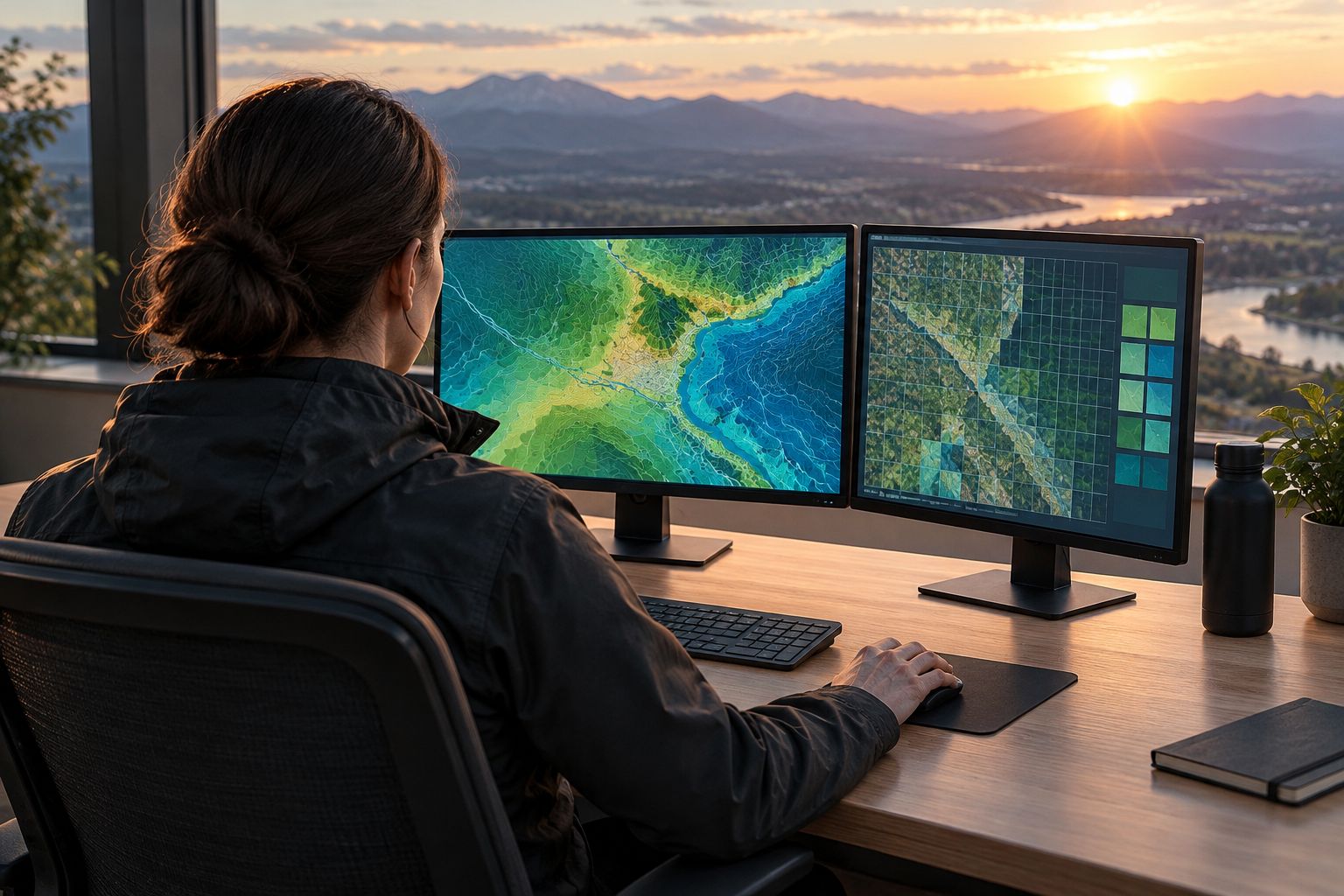
Compare display options by the task
Choose the display arrangement before finalising the desktop’s ports. A single higher-resolution screen and a multi-screen desk solve different problems. Compare them using your normal project layout, not an empty desktop.
The table below separates confirmed specifications from requirements you still need to test. It is a buying framework for 2026, not a ranking of processing performance. No monitor makes a survey dataset more accurate merely by displaying it at higher resolution.
| Option | Best for | Main advantage | Key limitation |
|---|---|---|---|
| Armaggeddon PXP 27 QGG | GIS editing and drawing review at WQHD resolution | Confirmed 27-inch IPS panel, 2560 × 1440 resolution and 130Hz refresh rate | Less pixel workspace than 4K; test label readability and scaling |
| Armaggeddon PXP 32 UXG | Creator/professional map, imagery and drawing review | 31.5-inch panel in the 32-inch class, positioned as a 6K studio monitor | Confirm output compatibility and scaling; resolution alone establishes no colour-performance equivalence |
| Flat 4K monitor | Detailed drawing review on a single screen | 3840 × 2160 pixel grid | Small interface elements require a practical scaling test |
| Dual WQHD monitors | Keeping maps, tables and reference documents separate | Independent screen areas for different applications | Requires desk space and compatible display outputs |
Best for detailed professional review: consider the 6K studio-monitor route after checking the display connection. Best for separate reference windows: test a dual-screen layout. Neither arrangement is a universal winner.
A curved display remains a separate preference decision. Inspect straight linework and drawing layouts on it yourself. Do not approve or reject curvature based only on gaming language.
- Compare candidates with the same drawing open.
- Test readable text rather than maximum workspace alone.
- Confirm the complete display-output chain.
- Check window placement during normal editing.
- Record the accepted resolution and scaling settings.
Request a corporate quotation and acceptance test
Prepare the requirement sheet yourself before approaching a supplier. Include the tested workload, display arrangement, exact component requirements and support questions. For multiple desks, specify which roles need the same configuration and which need a processing-focused machine.
Armaggeddon PC has a distinct corporate and institutional enquiry route. Use GET A QUOTATION for that discussion. Keep the request focused on repeatable specifications, monitor connections and accountable local after-sales support rather than gaming promotions.
Request written terms for the quoted configuration. Confirm what warranty coverage applies, how faults are handled and who owns the recovery process. Do not treat a general storefront statement as a complete business support agreement.
Armaggeddon PC is best considered for Singapore teams seeking a combined desktop-and-monitor quotation, subject to software validation. The practical benefit is coordinating the hardware request; the limitation is that a quotation does not establish application certification or project performance.
- Attach the software list and representative project brief.
- Request an itemised desktop-and-monitor specification.
- Separate standard editing desks from processing stations.
- Confirm support scope and applicable written terms.
- Agree on acceptance criteria before deployment.
Common mistakes surveyors and geospatial teams make
Buying the GPU before checking the processing task
A larger GPU is not proof of faster exports or geoprocessing. Identify the operation that needs improvement, confirm its hardware support and compare the result with the same project settings. Spend against the measured constraint.
Treating screen resolution as survey accuracy
A sharper display helps you inspect information. It does not improve instrument measurements, coordinate transformations or control quality. Validate the dataset separately from the monitor purchase.
Testing a small demonstration instead of a working project
A clean sample drawing does not represent a project with imagery, references and normal working layers. Use a representative dataset and preserve its settings. Include the applications staff run alongside it.
Forgetting the monitor when approving the desktop
A desktop specification is incomplete without the required display outputs. Check the monitor, cable and connection together. Confirm the intended resolution works before deploying the machine to a production desk.
Standardising every role on the processing station
Editing, quality review and batch processing need different tests. Write role-specific requirements before a bulk order. Standardisation should simplify support without ignoring how each desk is used.
FAQ
Is a gaming PC suitable for surveyors?
A gaming PC is suitable when its hardware, operating system and drivers meet your survey software requirements and pass a representative project test. The gaming label alone does not establish professional suitability.
What should I check first when choosing a gaming PC for surveyors?
Check your application versions, supported hardware and representative project workload first. Then measure whether the existing constraint is CPU activity, memory, graphics memory, storage or display workspace.
Do geospatial teams always need a high-end graphics card?
No; graphics-card requirements depend on the application and operation. Confirm GPU acceleration and graphics-memory requirements with the software publisher before selecting a tier.
Is a 4K monitor better than WQHD for survey work?
A 4K monitor provides more pixels than WQHD, but the better choice depends on readable scaling and your project layout. Compare both using the same drawing, labels and tool panels.
Is the Armaggeddon PXP 32 UXG a gaming monitor?
The Armaggeddon PXP 32 UXG is positioned as a creator/professional 6K studio monitor, not a gaming monitor. Its 32-inch class uses a 31.5-inch panel; confirm current connections and application scaling before purchasing.
Should a survey office use one large screen or dual monitors?
Choose one large screen for a unified drawing workspace and dual monitors when separate reference windows are central to the job. Test desk fit, text readability and display-output compatibility before standardising either arrangement.
What belongs in a corporate desktop quotation for a survey team?
Include exact components, monitor models, software requirements, acceptance tests and written support terms. Separate editing desks from processing stations when their workloads differ.
One last thing
A monitor cannot tell you whether a boundary or coordinate transformation is correct. Put dataset validation and hardware acceptance on separate checklists. That distinction prevents a clear image from being mistaken for a verified deliverable.
For your 2026 purchase, finish with a project-based sign-off: the drawing opens correctly, reference files remain accessible, text is readable and the required export completes under the agreed settings. Approve the workflow—not the gaming label.