

Gaming PC for real estate agents: complete 2026 guide
Real estate agents’ gaming PC setup is a desktop-and-monitor workstation with the aim of preparing listings, reviewing property media and managing client work. This 2026 guide explains when a gaming PC for real estate agents makes sense—and why readable documents, useful screen space and accurate media review deserve priority over gaming specifications.
TL;DR
- Armaggeddon PC suits Singapore agents comparing gaming PC and monitor options together.
- Choose a gaming PC for real estate agents by editing workload, not graphics-card tier alone.
- Prioritise readable floor plans, listing photos and practical window layouts before refresh rate.
- Treat the Armaggeddon PXP 32 UXG as a creator/professional 6K studio monitor, not a gaming monitor.
Why monitor choice matters for real estate agents
Buy for the work you perform, not the gaming label. A desktop used for listing administration has different requirements from one used to edit property walkthroughs or produce architectural visualisations. Separate those tasks before comparing hardware.
Armaggeddon PC offers desktop PCs and monitors for Singapore buyers. The useful starting point is a written task list, not the highest graphics-card tier in the catalogue.
A monitor affects how you inspect photographs, read floor-plan annotations and arrange listing information beside client correspondence. A faster graphics card does not increase the physical space available for those windows. Nor does it fix reflections across the screen.
For your 2026 shortlist, distinguish viewing media from producing it. Watching a finished property tour is not the same workload as editing its source footage. Opening a supplied floor plan is not the same as building and rendering a property model.
Armaggeddon PC is best for Singapore agents comparing desktop PCs and monitors together. The limitation is straightforward: category labels do not establish suitability for your software, desk or display connections. Check the complete configuration before ordering.
Build your real estate workstation
Define your listing workflow
Start with the computer you already own. Open a representative listing project and work through it normally. Include the browser, client-management system, documents, photographs and any editing application you actually use.
Record what stops you. A crowded screen points towards a display-layout problem. Slow media processing calls for a closer look at the application and computer. Delayed uploads require a connection check before a hardware purchase.
Split the task list into OFFICE, MEDIA EDITING and VISUALISATION. This prevents a demanding but occasional task from determining every purchase. It also makes outsourced production visible: if another supplier creates the walkthrough, your workstation needs to review it rather than produce it.
Your 2026 requirements document should describe the task and the file involved. Avoid phrases such as fast computer or professional screen. Those descriptions give a seller little information to work with.
- List the applications you open during a normal listing session.
- Separate finished-media playback from source-media editing.
- Identify whether you create property models or only review supplied renders.
- Save a representative project for a demonstration.
- Record the specific delay or display problem you want to remove.
Plan your screen layout
Arrange windows on your current screen before buying another one. Put the listing portal beside a floor plan, then test your client-management system beside email. Note which combinations force repeated switching or unreadable text.
A single larger display keeps the workspace continuous. Separate displays let you dedicate one screen to communication and another to listing material. An ultrawide provides a broad canvas, but screen sharing needs deliberate window selection.
Choose the layout that preserves readable text at your working distance. Diagonal size alone does not answer that question. Resolution, scaling and the dimensions of your desk all affect the result.
Measure the physical space before selecting a panel. Leave room for paperwork, a keyboard and a camera position that does not block the display. Keep confidential documents away from the part of the desk visible during calls.
A home workstation and a client-facing office desk need different placement checks. In a shared office, consider who can see the screen from a doorway or adjacent seat.
- Test listing and floor-plan windows side by side.
- Check text at your normal seated distance.
- Measure desk depth and usable width.
- Identify reflections from windows and overhead lights.
- Plan camera placement and confidential-document storage.
Match resolution to your documents and media
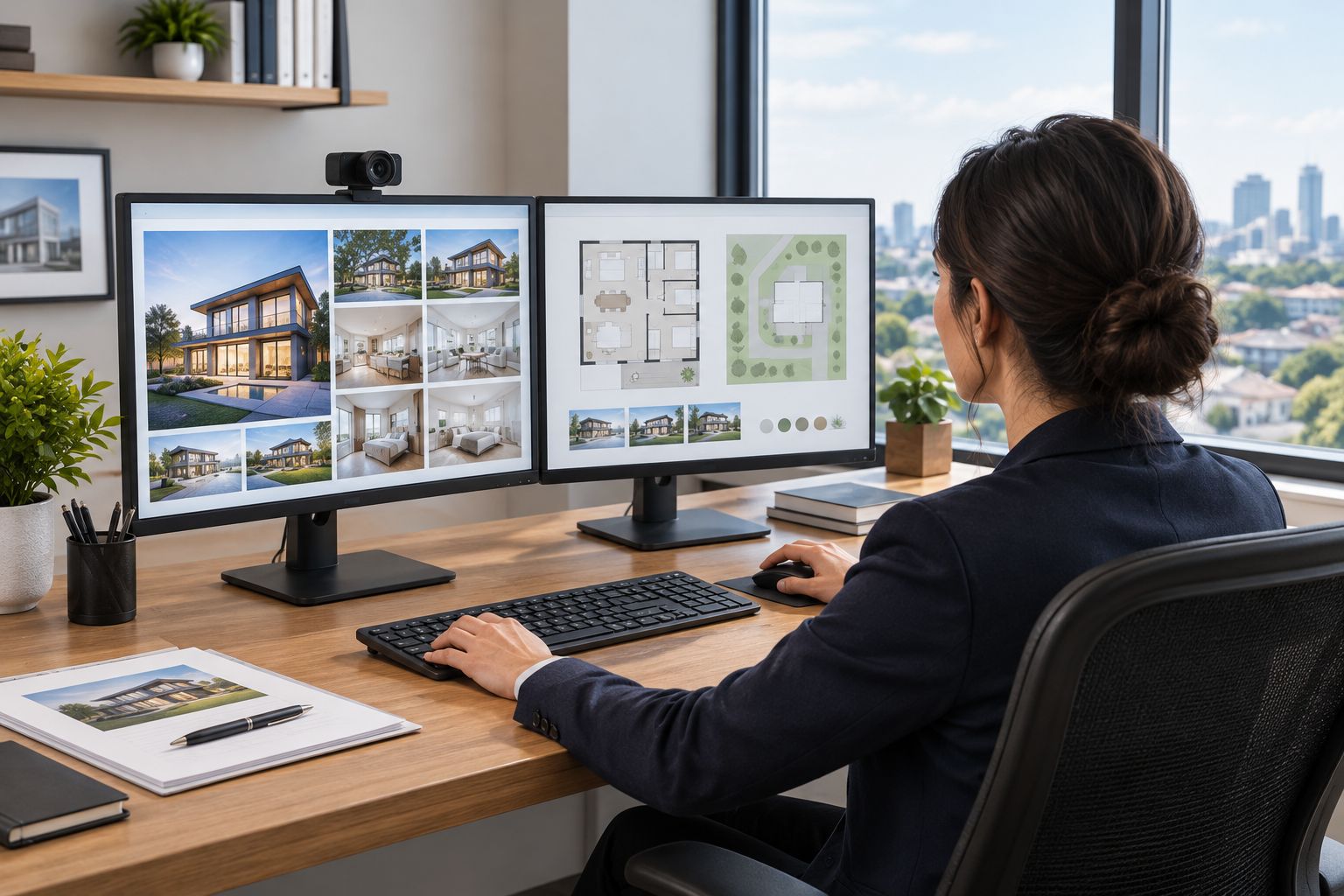
Use your own photographs and floor plans to judge a display. Examine fine annotations, room details and small interface text. Then change operating-system scaling until the desktop is comfortable to read.
WQHD at 2560 × 1440 pixels and 4K at 3840 × 2160 pixels provide different pixel counts. Neither guarantees that every application will display more usable information. Scaling changes how much interface content fits on screen.
For a 2026 purchase, evaluate resolution and refresh rate separately. Resolution affects the detail the panel can display. Refresh rate describes how frequently the display updates. A headline refresh rate does not establish colour accuracy or make floor-plan lettering sharper.
A 6K studio monitor belongs in the creator shortlist when detailed media review is part of your work. It is not a prerequisite for uploading listings, answering clients or reading standard documents.
Check exported files as well as originals. A detailed source photograph and a compressed listing image are different review targets. Your workstation should help you catch problems in the version clients will actually receive.
- Inspect a floor plan with small labels.
- Review both original photographs and exported listing images.
- Adjust scaling before judging text readability.
- Compare resolution separately from refresh rate.
- Check the final media format on another viewing device.
Select the monitor by task
Begin with a demonstration using familiar files. Check text, reflections, viewing position and window arrangement before considering specialist features. Keep the comparison tied to a task you identified earlier.
Use the monitor table below to build a shortlist. The supplied specifications distinguish a 27-inch WQHD IPS option from a 32-inch WQHD curved option. The larger diagonal does not add pixels when both displays use 2560 × 1440 resolution.
The Armaggeddon PXP 32 UXG belongs in the creator/professional lane. It is a 6K studio monitor with a 31.5-inch panel, marketed in the 32-inch class. Consider it for property photography, detailed floor-plan review and creator work—not as a gaming-monitor recommendation.
Shared 6K resolution does not establish equivalence to Apple Pro Display XDR. Do not infer matching HDR performance, brightness, calibration, colour accuracy or reference-grade capability. Those are separate specifications requiring separate evidence.
For each candidate, check the current connection details and complete specification before ordering. A monitor recommendation is incomplete until you know how the intended computer will drive it.
- Demonstrate your own listing photographs and documents.
- Compare flat and curved layouts for your working position.
- Check stand adjustment and mounting requirements.
- Confirm inputs, cables and supported display modes.
- Request evidence for colour-critical claims rather than assuming them.
Match the desktop to production work
Check the software requirements before selecting a PC. Use the application's published guidance for the tasks you perform, including any supported graphics acceleration. A gaming specification is not a substitute for application compatibility.
For listing administration, investigate memory pressure, storage behaviour and display support before moving up a GPU tier. For property-video editing, inspect the footage format, effects and export settings. For visualisation, identify the rendering application and its requirements.
A pre-configured desktop is a faster purchasing route after that assessment. Give the seller your application list, representative project and monitor plan. Ask for a configuration matched to those requirements rather than a generic gaming recommendation.
Do not assume the graphics card can drive every monitor arrangement at every intended mode. Verify the actual outputs and the complete connection path. An adapter or dock becomes another component to check.
In 2026, keep gaming preferences separate from business requirements. If you also play demanding games, state that as a second workload. It should not quietly redefine what the property business needs.
- Check the editor or renderer's published system requirements.
- Identify footage formats and typical project complexity.
- Confirm memory and storage in the complete configuration.
- Verify outputs against your monitor layout.
- Ask for a demonstration using a representative project.
Separate personal buying from agency procurement
For an individual agent, write a short acceptance checklist and compare suitable systems against it. Include the monitor, connections, software and file-transfer plan. Treat the complete workstation as the purchase, not just the tower.
For an agency, start with a written brief and GET A QUOTATION. Separate administration desks from media-production desks. Standardisation helps with setup and replacement, but it should not force every employee onto the same hardware tier.
Ask for written confirmation of the configuration and the terms that apply to each item. A desktop warranty statement must not be assumed to cover monitors, accessories or every type of repair. Check exclusions and the process for requesting support.
Data handling also belongs in the procurement brief. Singapore's Personal Data Protection Act applies to organisations handling personal data; hardware specifications do not replace access controls and appropriate data practices.
Your 2026 sign-off should follow a working test. Open the required applications, connect the intended displays and restore a sample file from backup before retiring the previous system.
- Separate individual purchases from corporate requirements.
- Specify different configurations for administration and production roles.
- Confirm item-specific warranty and support terms in writing.
- Define account access, backup and file-retention responsibilities.
- Test the complete workstation before migrating daily operations.
Compare monitor options for real estate work
These options serve different tasks. Start with office readability; move into creator specifications only when your workflow requires them. The table compares the supplied monitor information, not measured editing performance or colour accuracy.
| Option | Best for | Concrete advantage | Key limitation |
|---|---|---|---|
| Armaggeddon PXP 27 QGG | Listing administration and mixed office work | 27-inch IPS panel, 2560 × 1440 resolution and 130Hz refresh rate | WQHD provides fewer pixels than 4K; colour-critical suitability requires separate evidence |
| Armaggeddon PXP 32 PRO G | Agents wanting a larger curved desktop display | 32-inch Fast VA panel, 2560 × 1440 resolution and 180Hz refresh rate | The larger diagonal retains WQHD resolution; check text appearance and curve preference |
| Armaggeddon PXP 32 UXG | Creator/professional property-media review | 31.5-inch panel in the 32-inch class, positioned as a 6K studio monitor | Confirm display-output requirements and colour specifications; 6K alone proves no reference-grade equivalence |
The office-focused choices below have supplied product photographs and specifications. They are alternatives, not a recommendation to purchase both. Match the diagonal, resolution and panel shape to your desk test.
MONITOR OPTIONS

27-inch WQHD IPS monitor with 2560 × 1440 resolution and 130Hz refresh rate.
$159

32-inch WQHD curved monitor with a Fast VA panel and 2560 × 1440 resolution.
$259
Common mistakes real estate agents make
Buying rendering hardware for listing uploads
Uploading finished photographs does not establish a need for a high-tier graphics card. Confirm whether you produce demanding media locally. Buy against that workload, not the specification of the supplier who created the files.
Choosing refresh rate before document clarity
A high refresh rate is a gaming-oriented specification, not evidence of sharper text or accurate property colours. Inspect floor-plan lettering at your intended scaling setting. Keep gaming requirements on a separate checklist.
Assuming a larger panel adds workspace
A larger panel with the same resolution has the same pixel count. It changes physical presentation, not the number of available pixels. Test your actual window layout before deciding that size alone solves the problem.
Sharing the entire desktop during client calls
A broad desktop can expose unrelated client records or private messages. Share the intended application window and inspect the preview first. Keep a separate presentation workspace with only approved listing material open.
Treating the desktop drive as a backup
Files stored only on the workstation remain dependent on that device. Establish a separate backup and test restoration. Include original media, approved exports and the documents needed to resume work—not just the editing application's project file.
FAQ
Do real estate agents need a gaming PC?
Real estate agents do not need a gaming PC for routine listing administration alone. A gaming desktop becomes relevant when the same workstation handles demanding media production or gaming; match it to the actual applications.
What's the best monitor setup for a real estate agent?
The best monitor setup is one that keeps listing material and client work readable at your normal working distance. Test your window layout, desk space and screen-sharing routine before choosing a larger panel or separate displays.
Is a larger monitor better than a higher-resolution monitor?
A larger monitor and a higher-resolution monitor solve different problems. Size changes physical presentation, while resolution changes pixel count; compare both at your intended scaling setting.
Is a high-refresh-rate gaming monitor necessary for property work?
A high-refresh-rate gaming monitor is not necessary for reading listings, email or floor plans. Prioritise text clarity, reflections and useful workspace, then consider refresh rate for a separate gaming requirement.
Is the Armaggeddon PXP 32 UXG a gaming monitor?
The Armaggeddon PXP 32 UXG is positioned as a creator/professional 6K studio monitor, not a gaming monitor. Its 31.5-inch panel belongs in a shortlist for detailed property-media and professional review tasks.
Does a 6K monitor match Apple Pro Display XDR?
A 6K monitor does not match Apple Pro Display XDR merely because it shares a resolution category. HDR performance, brightness, calibration and reference-grade capability require separate evidence.
How should a Singapore property agency buy workstations?
A Singapore property agency should start with a written requirements brief and request a quotation. Separate administration from media-production roles, then confirm configurations, item-specific support terms and data-handling responsibilities.
What should I test before replacing my existing computer?
Test a representative listing project on the proposed complete workstation. Open your normal applications, inspect documents and photographs, verify display connections and restore a sample backup before moving daily work.
One last thing
Test the client-facing export, not just the original file. A photograph that looks correct in an editor still needs checking after export and upload. Review the final listing image and walkthrough on the devices your clients use.
For your 2026 workstation purchase, bring those files to the demonstration. A successful test of your real work is more useful than a gaming benchmark unrelated to property listings.